For PageMotor affiliates
How to share PageMotor
Everything you need is in your affiliate portal: films, social cards and emails for 14 kinds of business. Pick a trade, copy, share. Your link is already in every caption.
Sign in to your portal
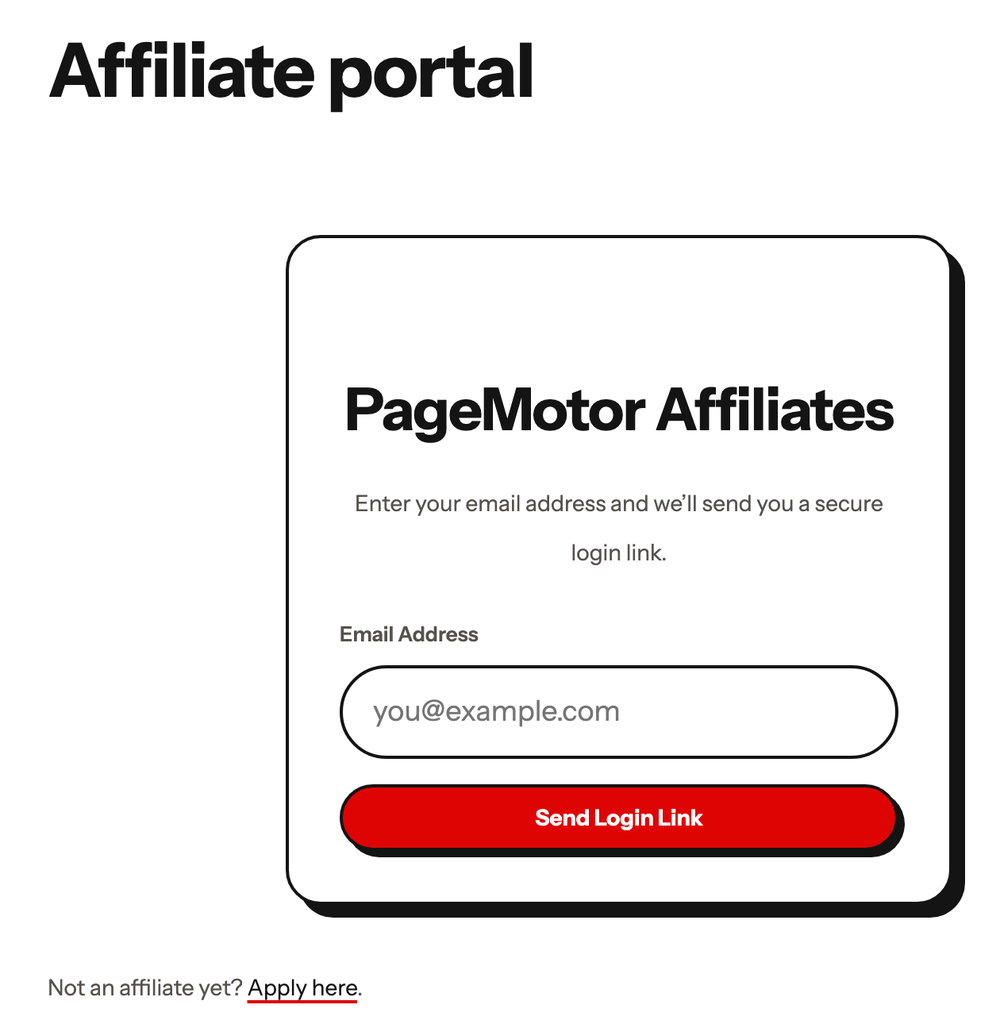
Go to your portal at pagemotor.com/affiliates/portal and enter your email.
We email you a sign-in link. There’s no password to remember.
Open Creatives and pick a trade
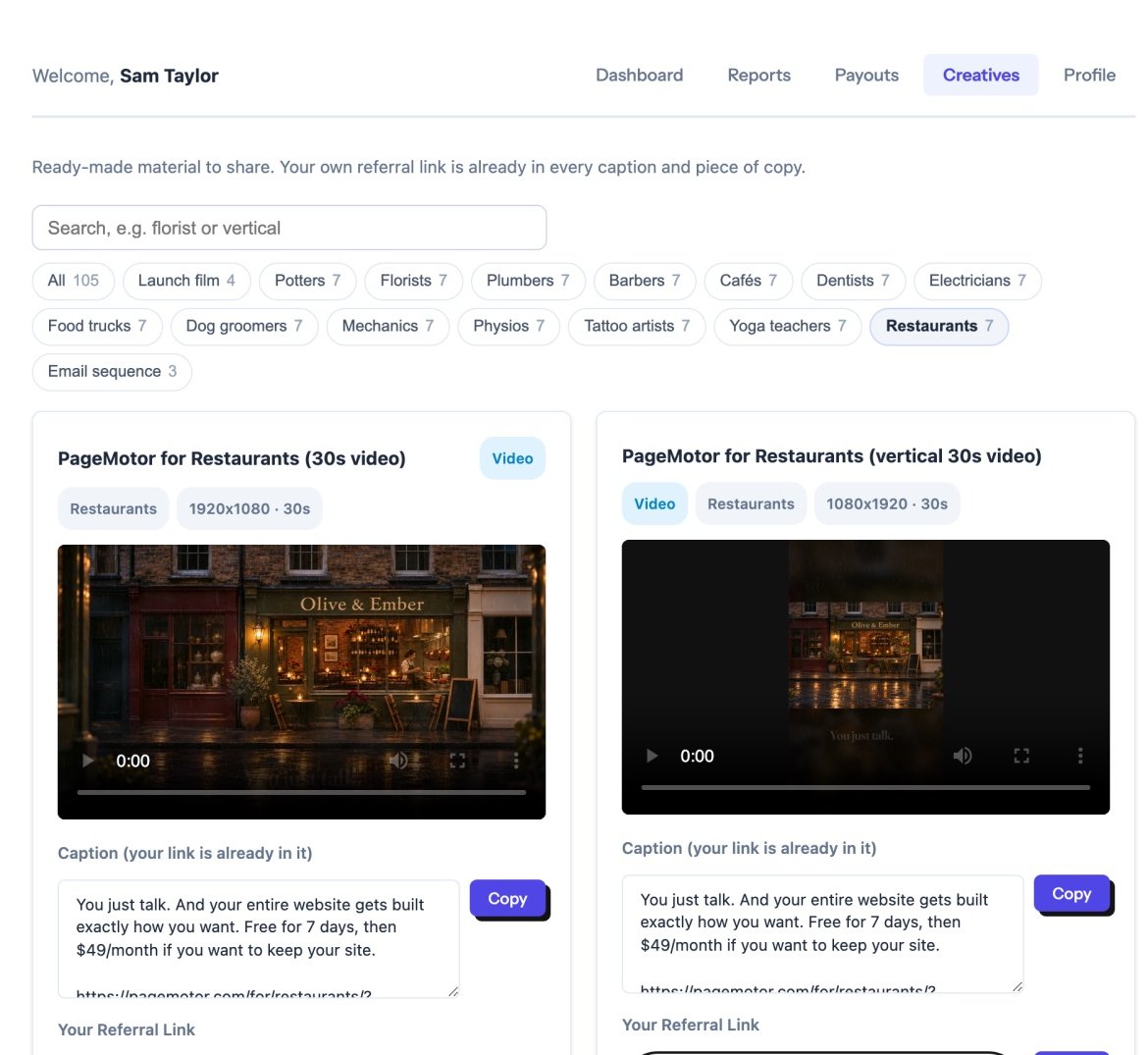
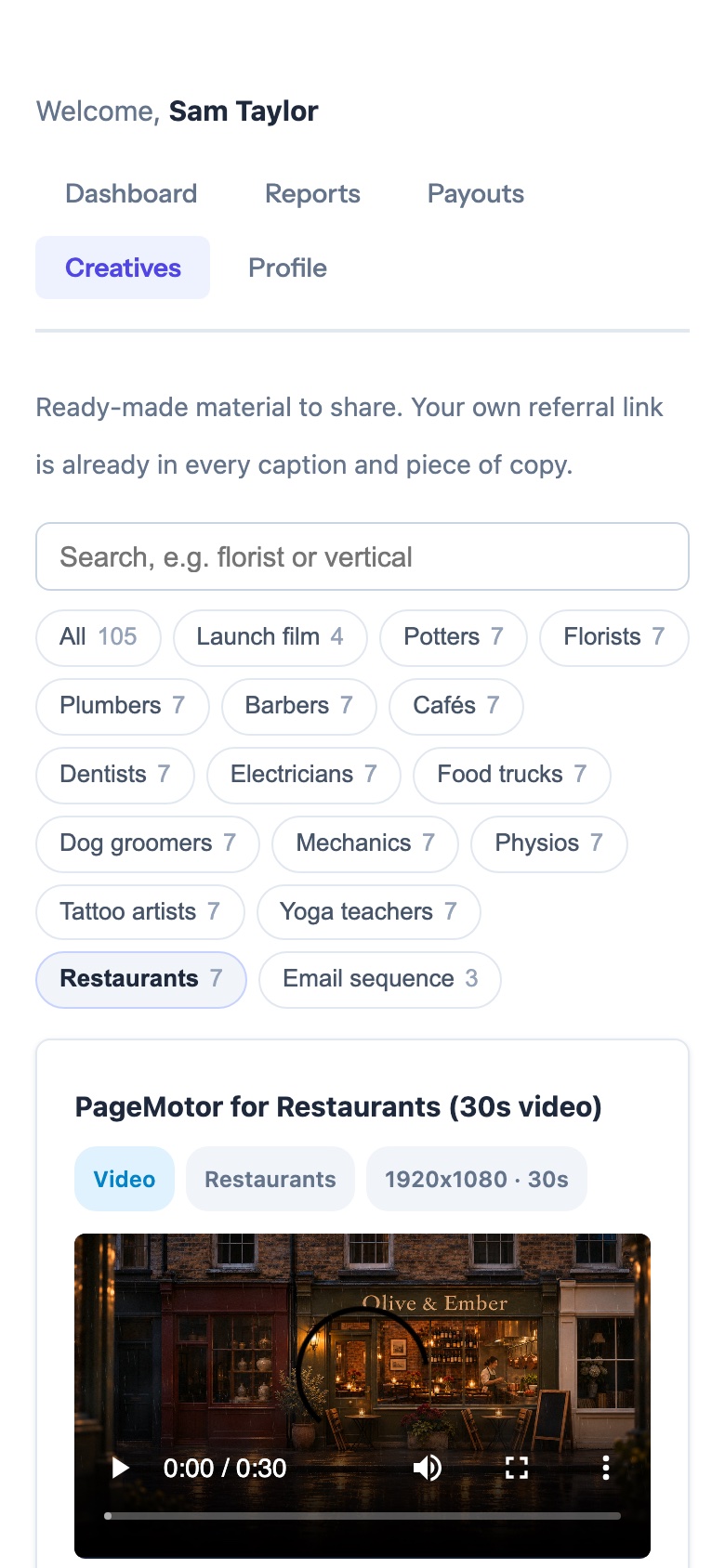
Tap Creatives, then the button for the business you have in mind, such as Restaurants or Florists.
Or type in the search box: vertical, card or cafe all work.
Choose what to share
Each trade has seven pieces:
- a 30-second film, wide and vertical (Reels, TikTok, Shorts)
- a 15-second film, wide and vertical
- two social cards
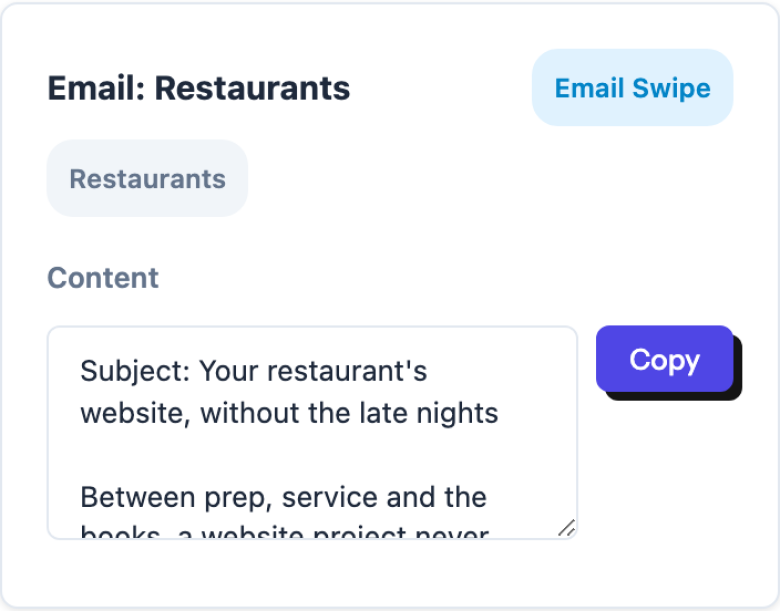
- an email for your own list
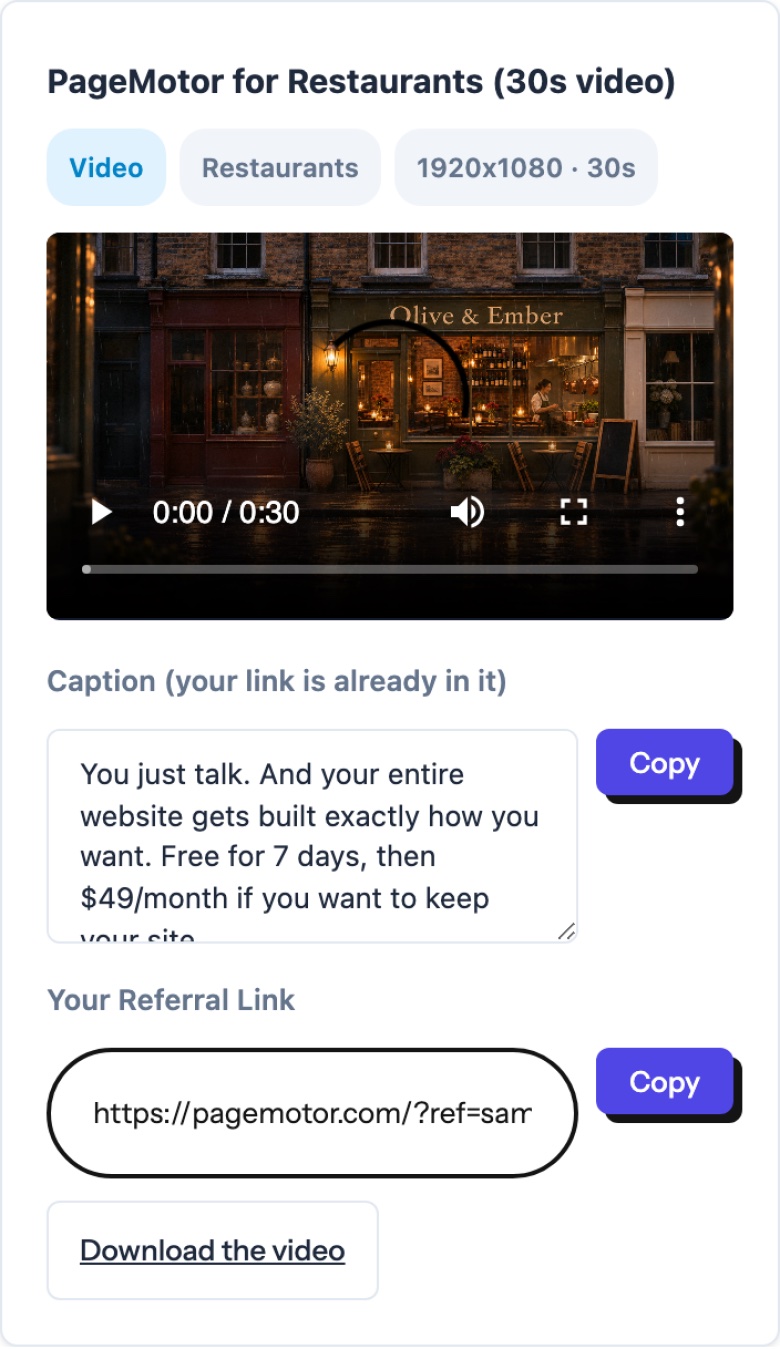
Every film has a Download the video button and a ready caption.
Send it in a message
Tap Copy beside the caption and paste it into WhatsApp, Messages or anywhere you chat.
The link opens a page made for that trade, so the preview shows that trade’s picture.
Tapping it plays the film, with a form to start a free website right there.

pagemotor.com/for/restaurants/?ref=yourcode
An illustration. Your own code replaces yourcode.
Post the film itself
For Instagram, TikTok, Facebook or LinkedIn, tap Download the video, upload it in the app, then paste the caption.
Use the vertical film for Reels, TikTok and Shorts, and the wide one everywhere else.
Instagram captions can’t carry a tappable link, so put your link in your bio or a story link.

The vertical restaurant film, ready for Reels, TikTok and Shorts.
Email your list
Each trade has a ready-written email. Copy it into your own newsletter or a personal note.
Your link is already in it, so there’s nothing to edit unless you want to.
Two links, both yours.
Goes to that trade’s page, with the film.
pagemotor.com/for/restaurants/?ref=yourcodeGoes to the PageMotor home page. Use it anywhere else.
pagemotor.com/?ref=yourcodeHow you get paid.
Your portal shows your clicks, your customers, what you’ve earned and how close you are to the next step.